Key Skill Achievements
Project Info
🎯 Project goal: Ease & Improve the workflow when creating levels
👨👨👧👧 Target audience: Level Designers
📺 Platform: Unity Editor
👩🏻💻 Language: C#, JSON
⏳ Timeline: 1 month
The 'Inventory Management Tool' is a reusable internal Unity editor tool, I designed and developed to support the level designers in our team. Its purpose was to simplify and standardize the creation and management of inventory-based interactable items across client projects.
Delivered as a Package Manager–ready Unity module, the tool enabled designers to authenticate within the editor, create and localize inventory items, and synchronize them directly with the project’s backend. By providing a structured, designer-friendly workflow built with Unity UI Toolkit and ScriptableObjects, the tool reduced setup time, improved data consistency, and streamlined collaboration between designers and engineers.
How it works:
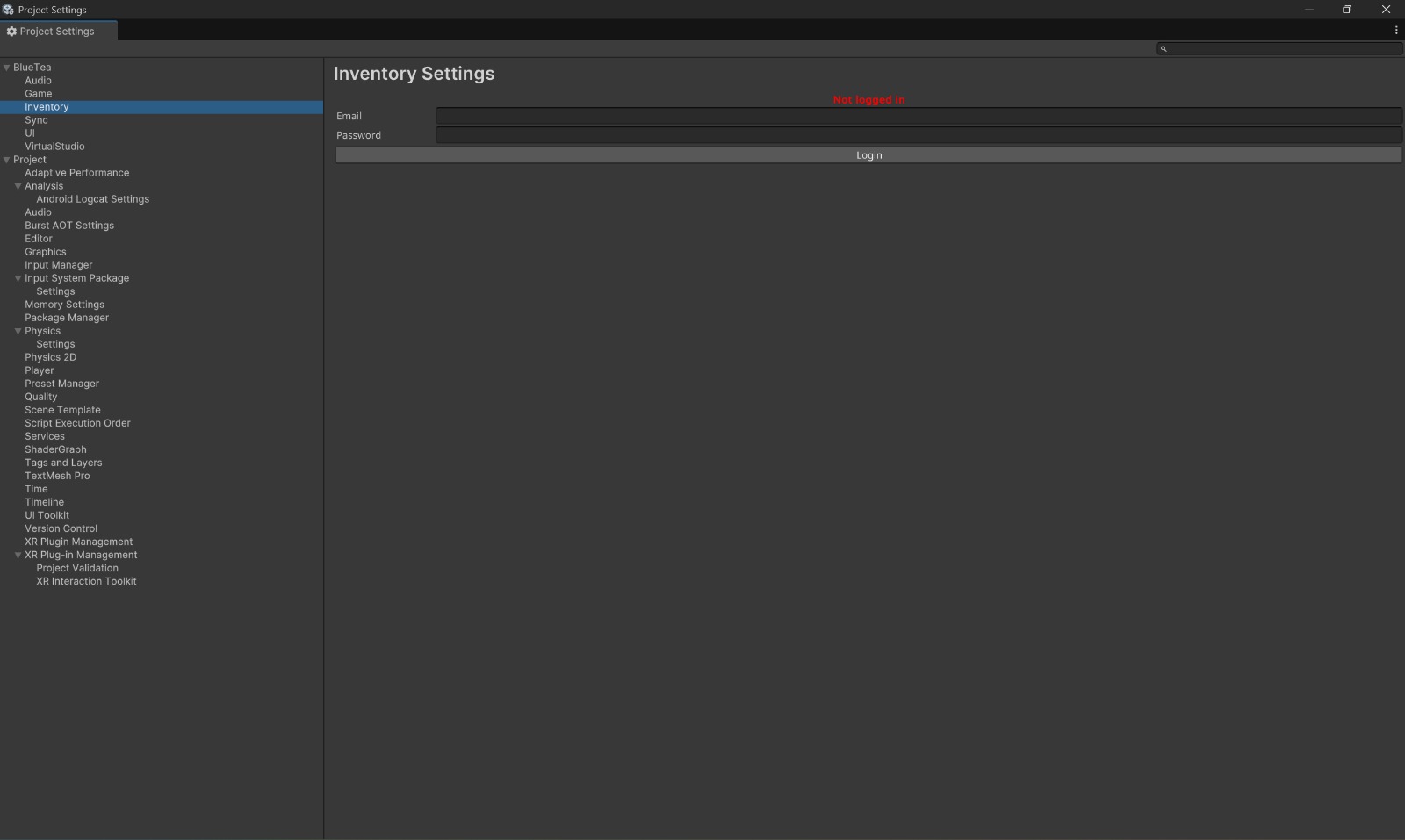
Designers authenticate directly within the Unity Editor. After login, the tool
initializes the correct project context by retrieving the following data:
• Existing inventory items for the active project
• Supported localization languages (locales)
• Project-specific backend configuration
This ensures that all edits are validated against live backend data and applied
within the correct project scope.
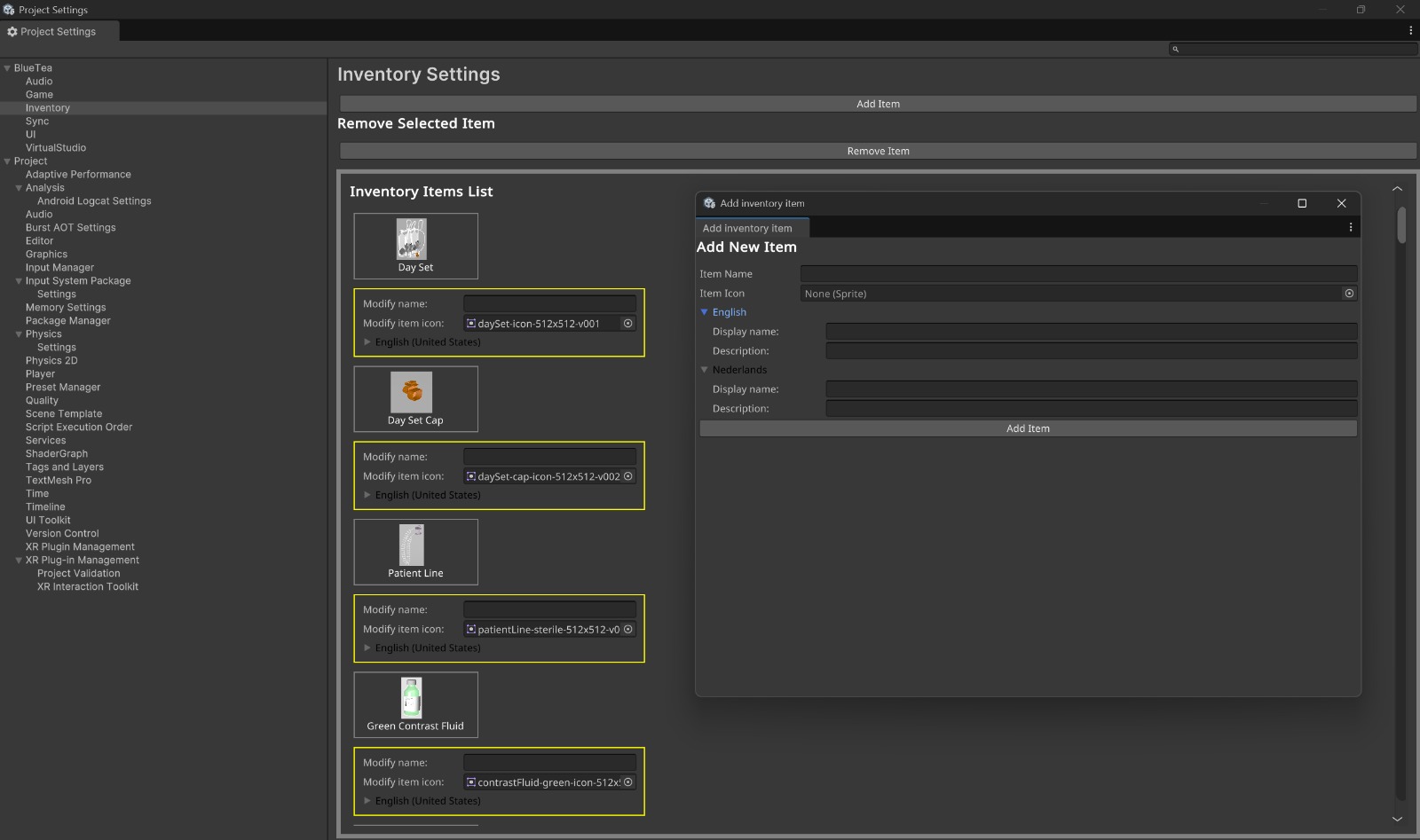
Once authenticated, designers gain access to the Inventory Manager interface, where they can:
• View and edit existing inventory items
• Create new inventory items
• Update localized display names
• Remove obsolete or unused items
Each inventory item consists of:
A unique identifier, an associated image, localized display names for all supported languages.
All actions are validated in real time to prevent incomplete or invalid data from being introduced into the project.
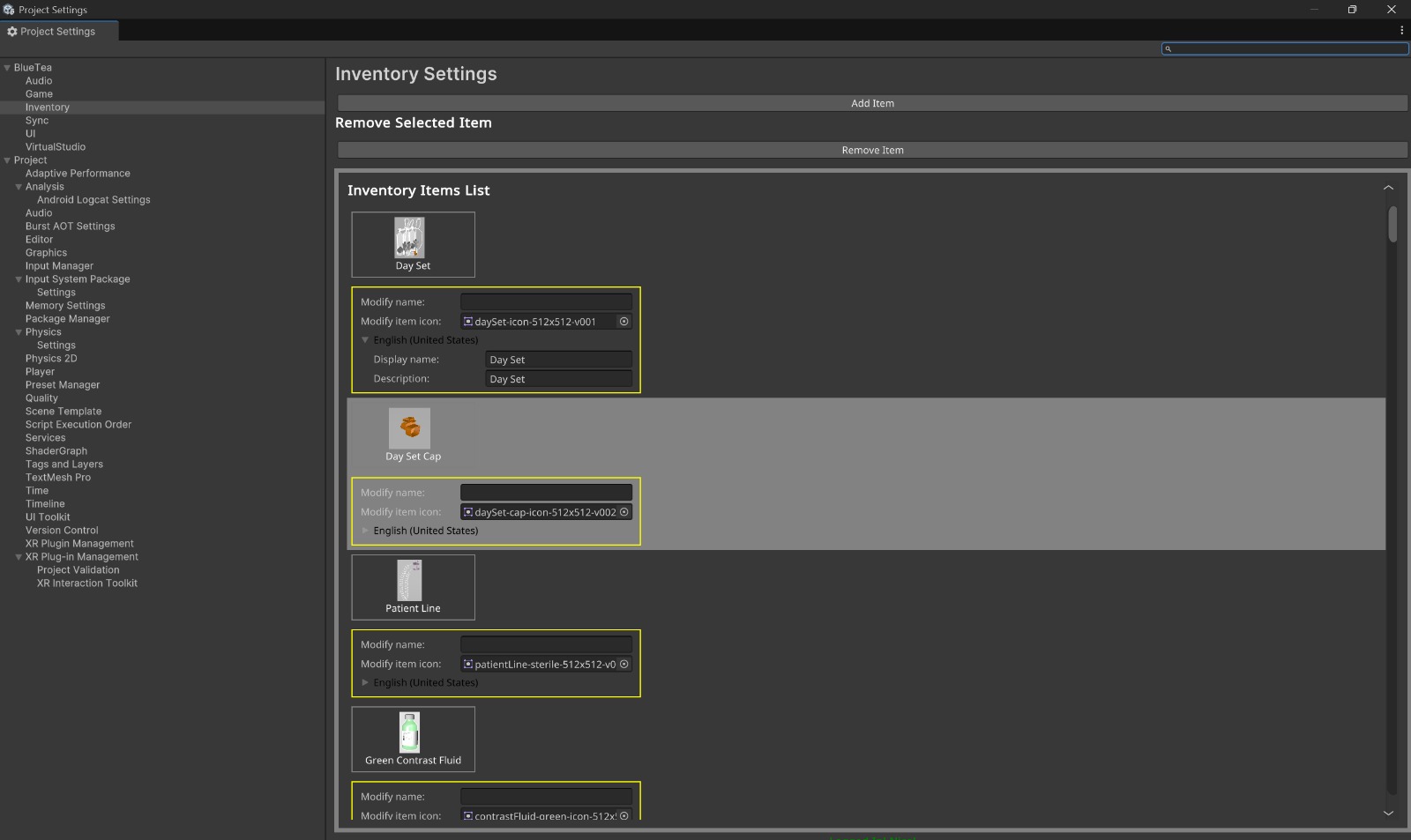
When adding or modifying an inventory item, the tool:
• Prompts the designer to provide display names for every supported language
• Verifies required fields and displays warnings or errors if data is missing or incorrect
• Tracks changes as pending content updates
Validated items are added to a staged content list and automatically synchronized
with the backend during the next content update cycle.
Once synced, the inventory items become immediately available for use in gameplay logic, level design, and runtime systems.